What SRT and VTT have in common
Both formats store caption timing and spoken text in timed cues. For many teams, they are the two most common subtitle formats used for delivery, review, and playback.
When SRT is the better choice
SRT is still the safer option for broad compatibility, especially when a client, vendor, or desktop subtitle editor asks for a standard caption file. It is simple, widely recognized, and easy to inspect manually.
When VTT is the better choice
VTT is usually the better format for web video and HTML5 track tags. If the subtitles are going into a browser-first player, an LMS, or an online course platform, VTT often fits the playback environment better.
How to switch between them
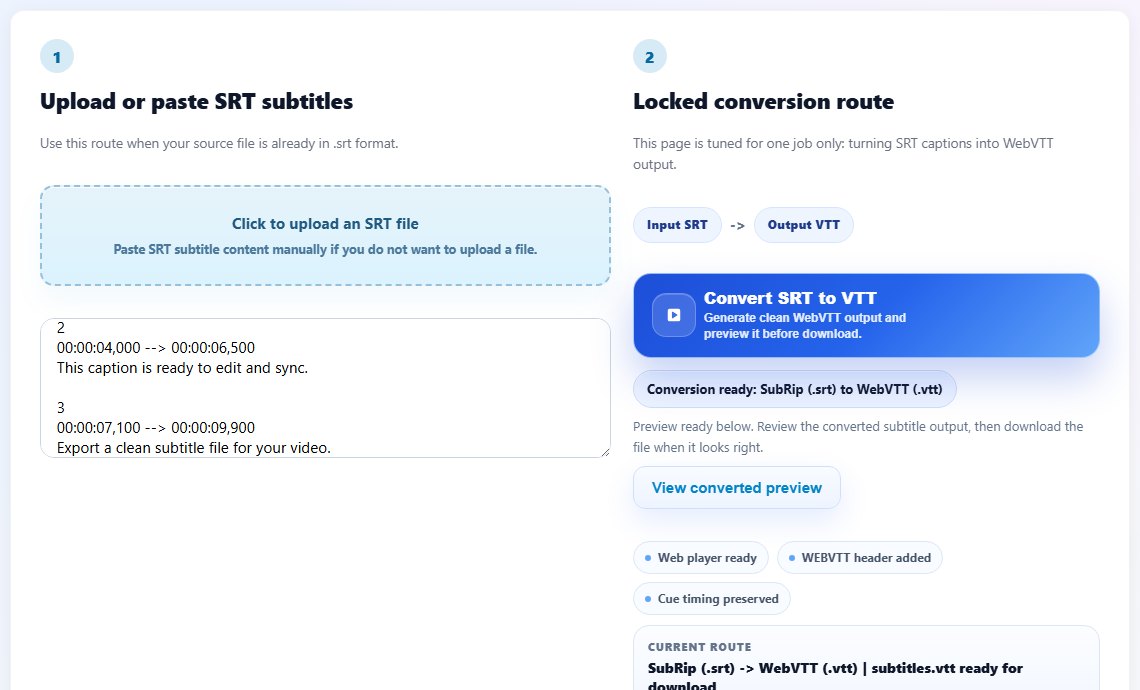
You do not need to rebuild captions from scratch. Use SRT to VTT when moving into web playback, and use VTT to SRT when moving back into a traditional delivery workflow.
What to check before delivery
Always validate the final file in the actual platform or player where it will be used. Even if the format is technically correct, old timing issues or formatting problems can still appear in playback.