Subtitle timing determines when each caption appears and disappears. Good timing feels invisible. Bad timing makes viewers read too early, miss dialogue, or lose trust in the captions.
Every subtitle cue has a start time, an end time, and text. The relationship between those values controls sync, reading speed, overlap, and the rhythm of the viewing experience.
This guide explains the core timing concepts behind SRT, VTT, subtitle delay, drift, cue duration, and practical timing repair.
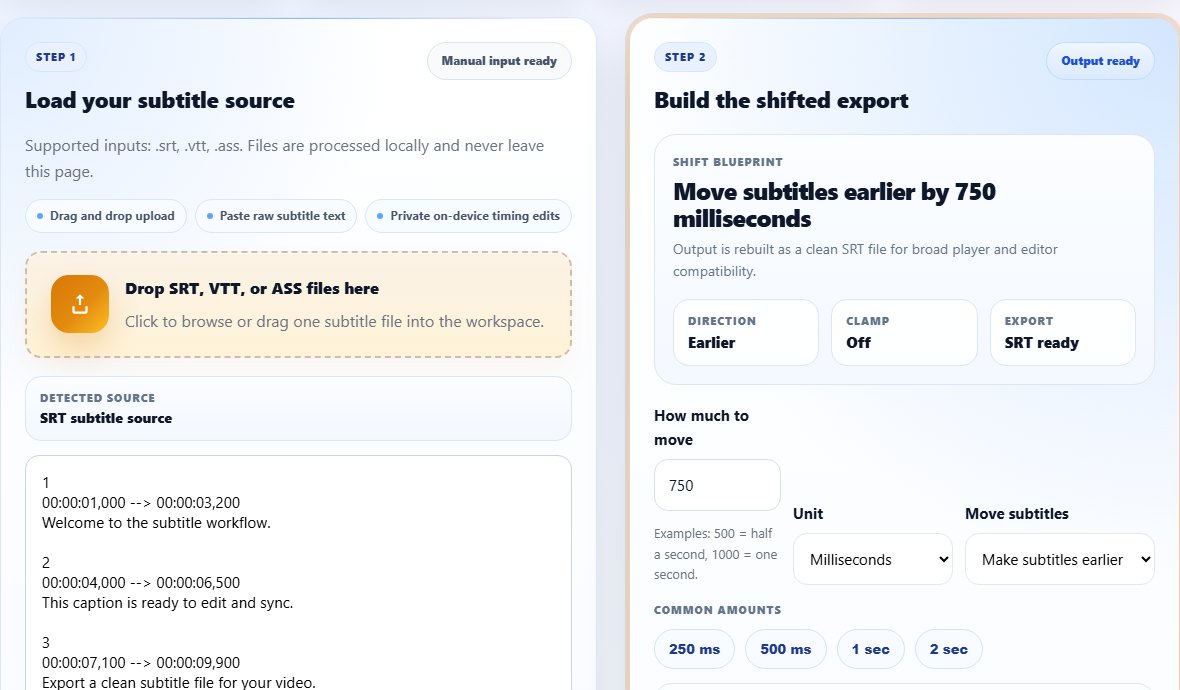
The building blocks of subtitle timing
The start time tells the player when a caption should appear. The end time tells it when the caption should disappear. The duration is the difference between those two times.
A cue should usually appear close to the related speech and stay long enough to read. If it appears too early, it can spoil dialogue or confuse the viewer. If it appears too late, the viewer hears the line before reading it.
Offset means every cue is shifted by the same amount. Drift means the offset changes over time. That difference matters because offset is easy to fix with a whole-file shift, while drift needs deeper diagnosis.
Reading speed is part of timing. A long subtitle displayed for one second may be technically synced but practically unreadable. Good timing considers both audio alignment and viewer reading comfort.
A cue can start at the correct moment and still be bad if it disappears too quickly for the viewer to read.
Cue timing:
Start: 00:00:05,000
End:   00:00:08,000
Duration: 3 seconds
Text must fit the duration.
Step-by-step: review subtitle timing
Use timing review whenever you create, edit, translate, shift, split, or merge subtitles.
Check the first clear spoken line and its cue start time.
Confirm the caption remains on screen long enough to read.
Look for overlaps where two cues compete or appear too close together.
Check a middle scene for drift.
- Check the first clear spoken line and its cue start time.
- Confirm the caption remains on screen long enough to read.
- Look for overlaps where two cues compete or appear too close together.
- Check a middle scene for drift.
- Check an ending scene for drift or wrong-release timing.
- Shift the whole file only when offset is constant.
- Adjust cue duration when text is too long for the display time.
- Preview the final file in the target player.
Practical examples
Real subtitle work usually fails at boundaries: the first spoken line, a scene change, a translated phrase that becomes longer, or a platform upload that expects a different format. Use the examples below as a quick quality check before you export.
A five-word caption can be comfortable in two seconds, while a long sentence may need more time or splitting.
Every cue is one second late, so the whole file can move earlier by one second.
The first minute is synced but the ending is ten seconds late, suggesting a wrong release or frame-rate mismatch.
Timing is judged by one scene, and fixes are applied without checking duration or drift.
Start, end, duration, offset, drift, and reading speed are reviewed as separate quality signals.
Common mistakes to avoid
Most subtitle problems become harder when the source file is edited without a plan. Keep an original copy, make one focused change at a time, and test the output in the environment where viewers will actually use it.
- Thinking timing only means the first caption starts correctly.
- Ignoring cue duration and reading speed.
- Using a whole-file shift for drift.
- Letting cues overlap after edits.
- Changing timestamps without previewing playback.
- Forgetting that translated text may need different line breaks or duration.
Conclusion
Subtitle timing is the structure behind a smooth caption experience. When start times, end times, duration, and reading speed work together, viewers stop noticing the mechanics and follow the content.
Understanding timing also makes troubleshooting easier. You can identify offset, drift, overlap, and readability problems before choosing the right tool.
Related tools
Use these TranslateSubtitles.net tools when you are ready to apply the workflow from this guide.
Related guides
FAQ
What is a subtitle cue?
A cue is one timed subtitle block with a start time, end time, and visible text.
What is subtitle offset?
Offset is a consistent timing difference between subtitles and the video.
What is subtitle drift?
Drift means sync changes over time, so the subtitle may start aligned but become late or early later.
Why do translated subtitles need timing review?
Translated text can be longer or shorter than the source, changing reading speed and line-break needs.