SRT and VTT are both subtitle formats, but they are not interchangeable. SRT is widely used for offline players and simple subtitle exchange. VTT, also called WebVTT, is designed for web video and HTML5 track elements. If you upload an SRT file where a web platform expects VTT, captions may fail to load even though the text looks correct.
A proper conversion changes more than the file extension. WebVTT uses a WEBVTT header, different timestamp punctuation, and optional cue settings. This guide explains how to convert SRT to VTT safely, what to check after conversion, and how to avoid common format mistakes.
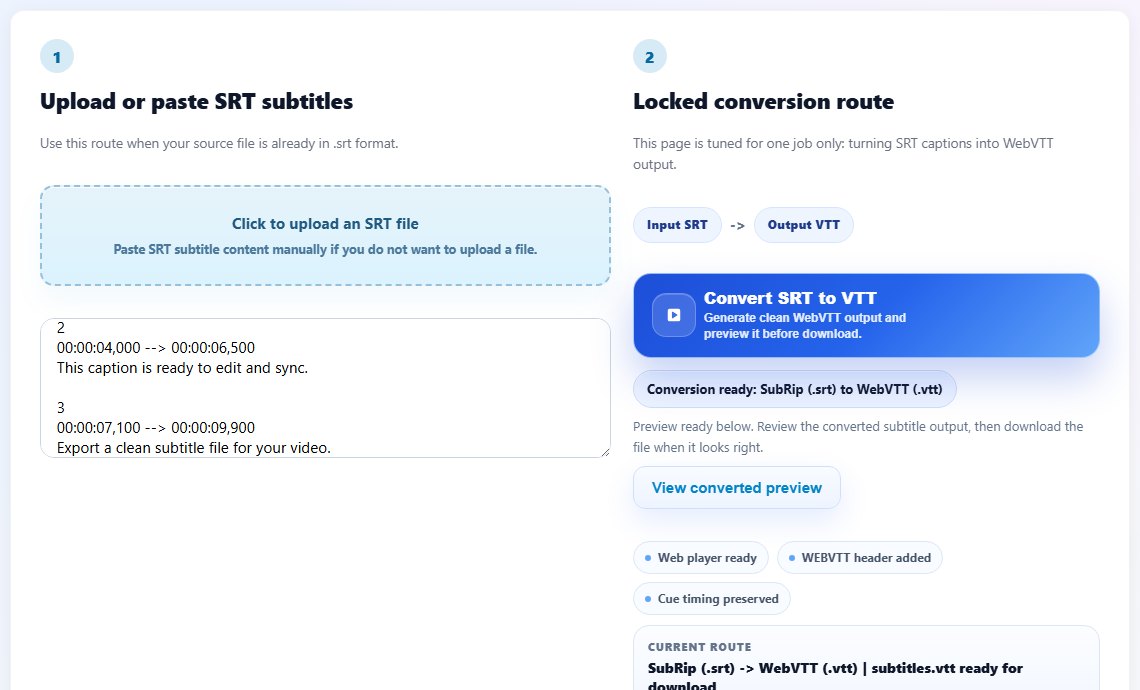
SRT vs VTT: what changes during conversion
An SRT timestamp uses a comma before milliseconds, such as 00:00:03,500. VTT uses a period: 00:00:03.500. VTT files also start with the WEBVTT header. Some cue numbering from SRT can be removed or ignored in VTT, depending on the converter.
These differences are small, but they matter. A browser video track is stricter than a forgiving desktop player. That is why renaming subtitles.srt to subtitles.vtt is not a reliable conversion method.
Step-by-step: convert SRT to VTT
If your source file is not actually SRT, use the main Subtitle Format Converter instead. It is better to identify the input format than to force a conversion from the wrong structure.
- Open the SRT to VTT Converter.
- Upload your .srt file or paste the SRT text.
- Run the conversion and wait for the WebVTT output.
- Check that the output begins with WEBVTT.
- Download the .vtt file.
- Attach the VTT file to your HTML5 video or upload it to the target platform.
- Test captions in the browser where viewers will watch the video.
Tips for web subtitle delivery
Keep the VTT file accessible from the same public environment as the video. If the video loads from a web page but the caption URL is blocked, missing, or served with the wrong permissions, captions may not appear.
For multilingual websites, create one VTT file per language and label each track clearly. Use language codes that match your platform requirements, and test default track behavior so the right subtitles appear for viewers.
After conversion, open the VTT in a text editor and scan the first few cues. You should see a WEBVTT header and timestamps with periods before milliseconds. This quick check catches accidental renaming, failed uploads, and old cached files before you debug the video player.
If your website uses a content management system, upload the VTT through the normal media workflow instead of linking to a temporary local file. Broken caption URLs are one of the most common reasons converted subtitles do not appear online.
Keep the original SRT after creating the VTT. If someone later asks for corrections, editing the simpler SRT source and converting again is usually cleaner than making repeated manual changes inside the WebVTT output.
This also gives you a safer rollback point if a platform rejects the converted file.
Test in the target browser
A VTT file can look valid in a text editor but still fail because of upload paths or player configuration, so always test it in the final web page.
Common SRT to VTT mistakes
- Renaming .srt to .vtt without changing the internal format.
- Forgetting the WEBVTT header.
- Uploading a subtitle file with broken timing before conversion.
- Testing only in a desktop player instead of the web player that will serve the video.
- Converting a file with encoding problems before fixing the text.
Related tools
Use these tools when you are ready to apply the workflow from this guide.
Related guides
FAQ
Can I just rename SRT to VTT?
No. A real VTT file needs WebVTT structure and timestamp syntax. Use a converter.
Do browsers support SRT subtitles?
Native HTML5 video tracks use WebVTT. Some custom players can parse SRT, but VTT is the safer web format.
Will converting SRT to VTT change the subtitle text?
A clean conversion preserves text while changing the subtitle file structure and timestamp punctuation.
What should I do if the VTT file still does not show?
Check the track URL, server access, language attributes, and whether the VTT output starts with WEBVTT.