The best subtitle format for YouTube is usually SRT for simple captions. It is widely supported, easy to read in any text editor, simple to translate, and dependable for timed dialogue. If your caption workflow is mostly text plus timestamps, SRT is the safest starting point.
WebVTT is also useful, especially when the same captions will be reused on a website with an HTML5 video player. SBV appears in older YouTube workflows and can still be encountered, but SRT and VTT are easier to manage across modern tools.
This guide explains how to choose a YouTube caption format, when to convert, how to preserve a reusable master file, and which mistakes can damage timing or readability during upload.
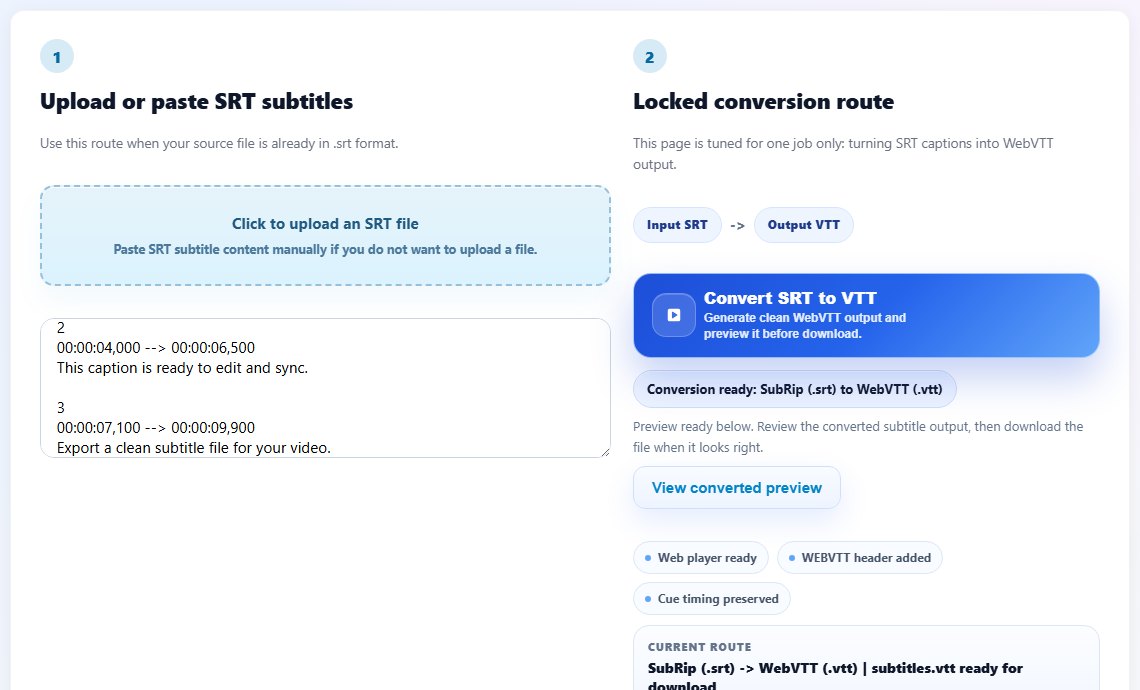
SRT, VTT, and YouTube caption delivery
SRT is plain and predictable. Each cue has a number, a timestamp range, and one or more lines of caption text. That simplicity is why SRT remains a strong default for YouTube uploads, translation teams, freelancers, educators, and creators who need a file that is easy to review.
WebVTT is designed for web video. It starts with a WEBVTT header and uses timestamp syntax with periods instead of SRT commas. VTT can support web-focused features, but many creators do not need those extras for YouTube. VTT is more important when the same captions will appear in a custom website player.
ASS subtitles can contain styling, positioning, and karaoke-like effects, but that extra formatting is usually not what you want for a normal YouTube caption upload. If you receive ASS subtitles, convert them to a cleaner delivery format before uploading.
The format decision should be boring. The viewer cares about accurate timing, readable lines, speaker clarity, and language availability. A clean SRT file usually gives you the most stable base for those outcomes.
Keep one clean SRT as your master subtitle file. Convert copies to VTT or other formats only when a destination requires them.
1
00:00:00,800 --> 00:00:03,600
This is the master caption file.

2
00:00:03,900 --> 00:00:07,100
Use it for upload, translation, and review.
Step-by-step: prepare subtitles for YouTube
Use this workflow when you already have a transcript or subtitle file and want a clean upload with fewer review cycles.
Create or collect the subtitle text in a plain, editable source file.
Build a timed SRT file with accurate cue starts and ends.
Proofread line breaks so captions are readable on mobile screens.
Shift timing if every cue is consistently early or late.
- Create or collect the subtitle text in a plain, editable source file.
- Build a timed SRT file with accurate cue starts and ends.
- Proofread line breaks so captions are readable on mobile screens.
- Shift timing if every cue is consistently early or late.
- Convert to another format only if your workflow specifically needs it.
- Upload the caption file in YouTube Studio and assign the correct language.
- Preview the video with captions enabled before publishing.
- Archive the final SRT as the source for future translations.
Practical examples
Real subtitle work usually fails at boundaries: the first spoken line, a scene change, a translated phrase that becomes longer, or a platform upload that expects a different format. Use the examples below as a quick quality check before you export.
A channel publishing weekly tutorials can keep one SRT per video and reuse it for translation requests later.
A training team may upload SRT to YouTube, then convert the same master file to VTT for the course website.
If a designer sends ASS subtitles with heavy styling, convert the dialogue into clean SRT before YouTube delivery.
Captions are stored in several edited copies with unclear names, mixed formats, and no reliable master file.
A proofread SRT master feeds the YouTube upload, website VTT export, and future translation work.
Common mistakes to avoid
Most subtitle problems become harder when the source file is edited without a plan. Keep an original copy, make one focused change at a time, and test the output in the environment where viewers will actually use it.
- Choosing a format because it looks advanced instead of because the platform needs it.
- Uploading a converted file without checking whether line breaks changed.
- Keeping only the YouTube upload copy and losing the editable source.
- Using ASS styling as a substitute for accessible captions.
- Forgetting to label the caption language correctly during upload.
- Publishing before previewing captions on a small screen.
Conclusion
For most YouTube videos, SRT is the best subtitle format because it is simple, portable, and easy to correct. VTT is valuable when captions also need to live on the web, and ASS is better treated as a styled source that may need conversion.
The strongest caption workflow is format-light and quality-heavy: accurate timing, readable lines, a clean master file, and a final preview before publishing.
Related tools
Use these TranslateSubtitles.net tools when you are ready to apply the workflow from this guide.
Related guides
FAQ
Is SRT or VTT better for YouTube?
SRT is usually the simplest choice for YouTube uploads. VTT is useful when the same captions will also be used in an HTML5 web player.
Can I upload ASS subtitles to YouTube?
Styled subtitle formats may not preserve the formatting you expect. For normal captions, convert dialogue to SRT or VTT first.
Should I keep captions in Google Docs or text files?
A document can help during drafting, but the final upload should be a timed subtitle file such as SRT or VTT.
Can I translate YouTube captions from SRT?
Yes. SRT is a practical master format for translation because it separates timing from editable text.